Municipal Websites.
Modern Solutions.
Happier Residents & Staff.
CharmingViews helps cities and counties publish clear service information
and keep it up to date. Start with a municipal website, then add ongoing
support or workflows scoped to your team.
Tell us which resident services and staff tasks you would like to discuss.
What staff and residents get
Help residents find the right service and give staff a simpler way to publish and maintain service information.
Services residents can find
Structured navigation, site search, and service pages with requirements, hours, and next steps, to help reduce routine phone enquiries.
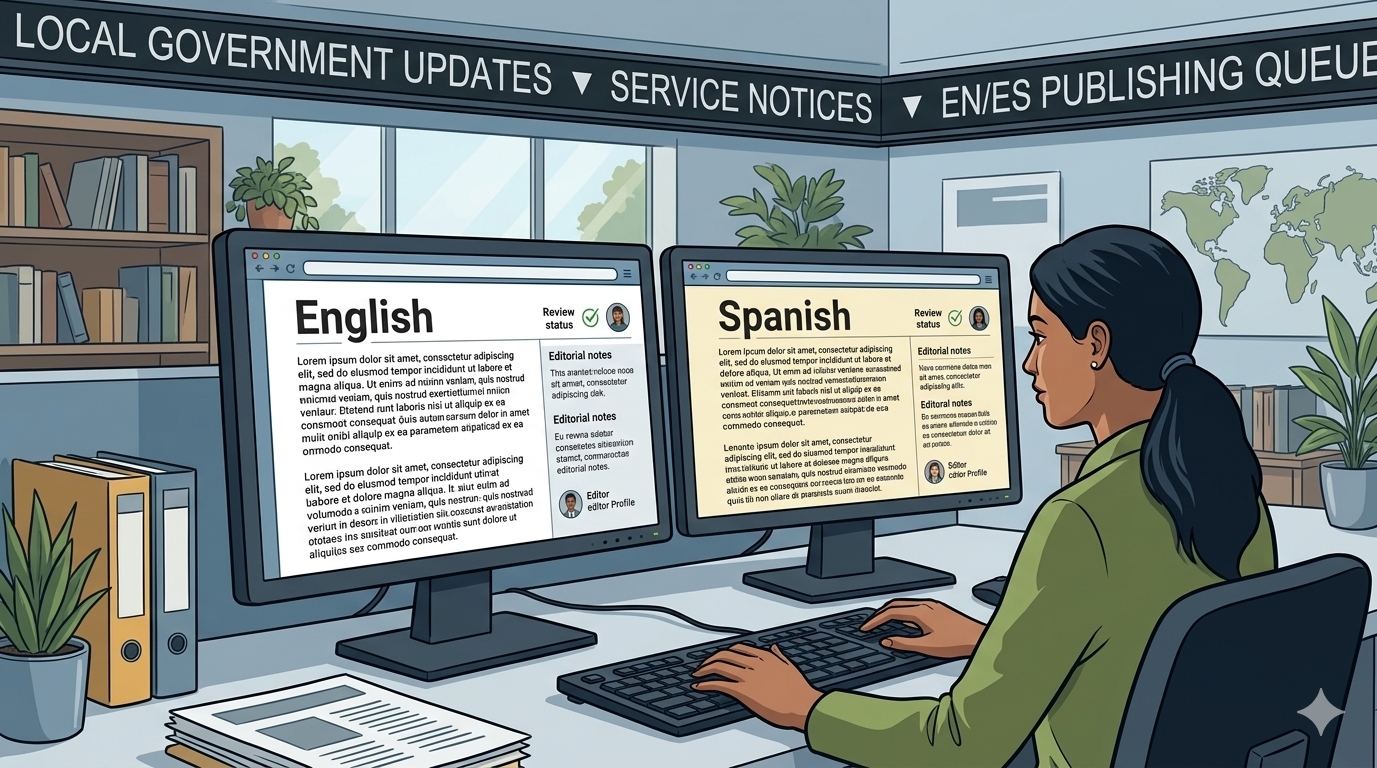
Publishing staff can maintain
Update pages, news, calendars, and documents with the standard editor. We agree on the languages and review process for your content before implementation.
An accessibility foundation
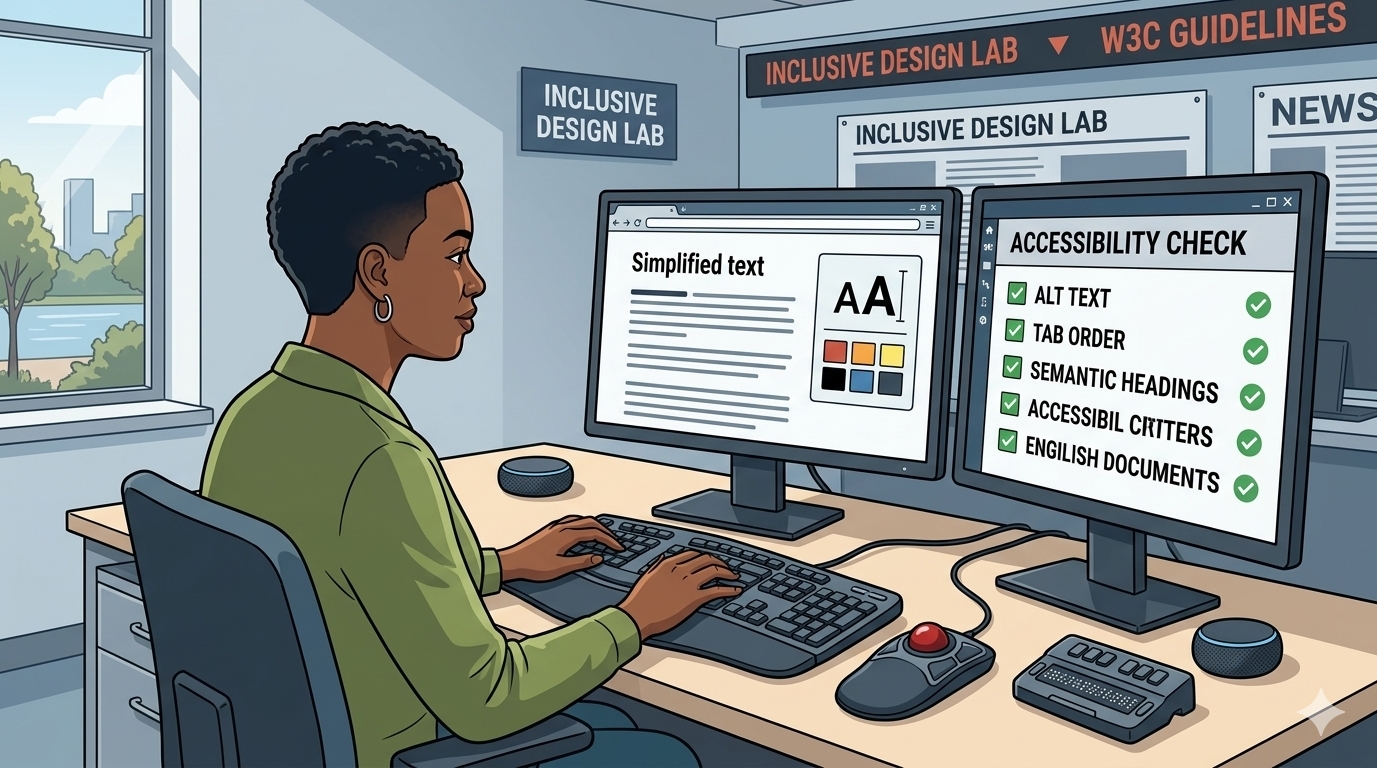
Accessibility built into core templates, with ADA and WGCAG 2.2 guidance to help staff maintain accessible content.
Core templates include semantic headings, keyboard operation, visible focus, and readable contrast, with accessibility checks on desktop and mobile.
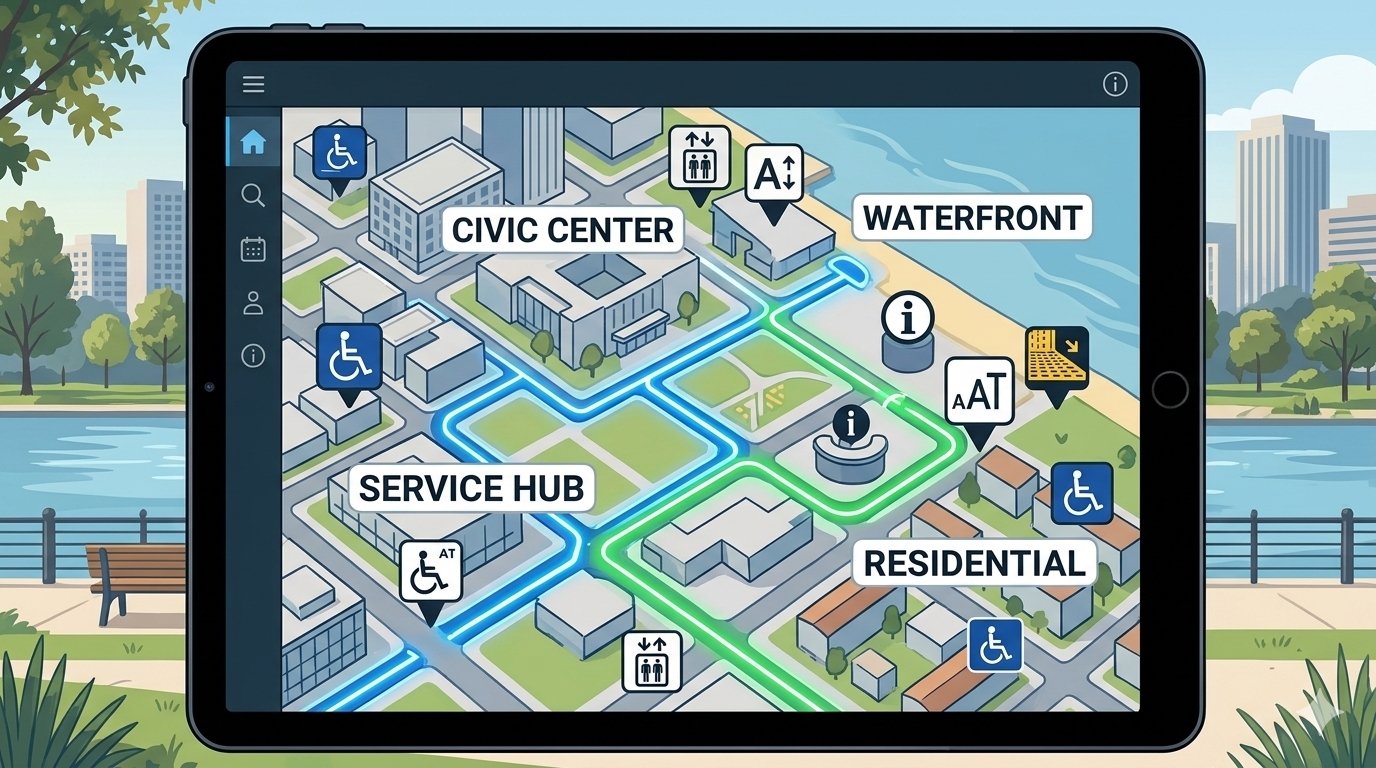
Local information, clearly organized
Help residents and visitors find facilities, opening hours, and contact details, whether they need a service counter or a community park.
Start with the website, build from there
Build a clear public website, improve resident request handling, and add workflows around your team’s needs.

Government Websites
Civic publishing, navigation, search, and responsive presentation for service pages, news, documents, calendars, and more.

Workflows and ERP
Contacts, requests, projects, and selected purchasing and inventory workflows, scoped to what your team will actually operate.
Implementation scope agreed with your team.

Accessibility Services
Assessment, remediation assistance, additional tools and widgets, and evidence reports for the site we deliver. Assistive features support accessibility assessment and remediation; they do not replace them.
How the work looks day to day
See how publishing and request handling can work for your team. Request assignment and follow-up workflows are included with Max.
Your team gets access from day one, so you can follow progress, review changes, and share feedback throughout the project. See How We Work.
Publish a service page
An editor drafts a page, adds requirements and contact details, submits it for review, and publishes it in the agreed languages. Published pages appear in site search and navigation.
Route a resident request
A website enquiry becomes an assigned request with an owner and a response path. Status and handoff are visible to staff.
Only two package tiers, with transparent pricing models.
Compare Pro and Max, including annual prices and one-time setup fees.
Included in every tier
Security and accessibility foundations and hosting are included in both packages.

One clear comparison
Compare Pro and Max, including annual prices and one-time setup fees.
How implementation works
A short, reviewable sequence. See How We Work for the full process.
Best part: You will see our progress from day one!
Define scope and content
We agree which pages, services, languages, and integrations are in scope, and what content you will provide.

Configure, migrate, and review
We configure the site, migrate agreed content, check accessibility and links, and review with your team before launch.

Launch, support, and maintain
We launch your site, train your editors, and continue under the hosting and support arrangements agreed for your package.
Useful starting points
Short guides and the official sources we point teams to first.

Guides and articles
Practical notes on accessible publishing, staged migration, and reducing fragmented resident services.
Official accessibility references
Federal and standards sources we use during assessment and remediation planning.See what residents would see
Tell us about your website and the services you want to improve, and plan a focused walkthrough.